Asset Management

Discover PTS 3.0
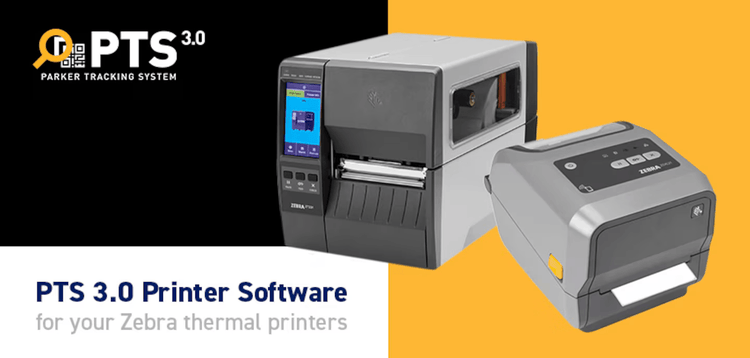
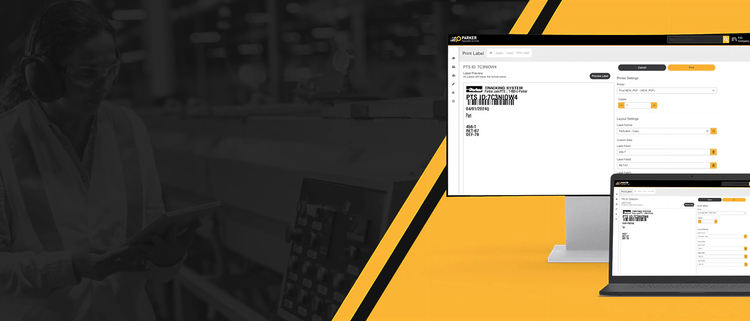
Print your PTS labels in PTS 3.0 today! Contact PTS Support at pts@support.parker.com and get started!

PTS 3.0 Update
Create Service Events Across Multiple Assets
- New: Create one service event for a single or multiple assets at once
- Import Template: Create multiple service events across multiple assets
- More Product Data: Product Description and Ship Date
PTS 3.0 Update
Document Management + Productivity Enhancements
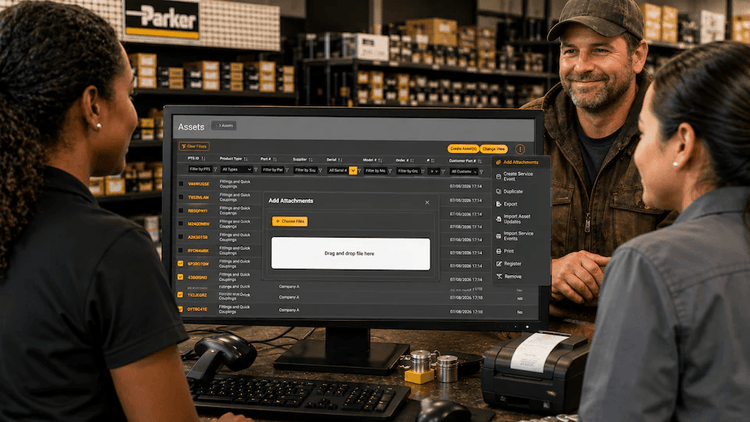
- New: Add attachments to multiple assets in one upload
- Kits: Import & export line items using Excel
- Admin Controls: Restrict Asset & Kit imports/exports by user role
- Asset View: New search & filter capabilities across key columns
- Efficiency: Faster document management and bulk updates
PTS 3.0 Update
Dynamic Fields: Alignment with PTS Legacy Functionality
- New: Dynamic Fields aligned with PTS Legacy
- Customer Part Number: Search and filter enhancements
- Customizable Unit of Measure: Available for Hose Products
- Model Number Duplication: Now copies automatically
- Coming Soon: Service Event Notifications

PTS 3.0 Update
Service Events + System Enhancements
- New: Scheduled Service Events for asset tracking & maintenance
- Support Update: New email → pts@support.parker.com
- Customer PO: Search & filter directly in Assets
- Account Settings: New toggles + Order Search tab
- Asset Export: Filter by custom date ranges
- Printing: Faster confirmations (no popups)

PTS 3.0 Update
PTS Update: Import/Export + Efficiency Enhancements
- New: Import/Export asset data via spreadsheets
- Hoses: Auto-linked part numbers from BOM
- FastForm: New quantity field + multi-ID labels
- Search: Press Enter to quickly search orders
- Orders: Line items now auto-selected

PTS 3.0 Update
PTS Update: Service Dashboard + Enhancements
- New: Service Events Dashboard for centralized visibility
- Reserved IDs: Limit increased to 10,000 (XML/DIA)
- Kits: All columns now visible by default
- Assets: Track product replacements with PTS IDs
- Service Events: Enhanced scheduling + completed event tracking
PTS 3.0 Update
Idle Timeout + Workflow Enhancements
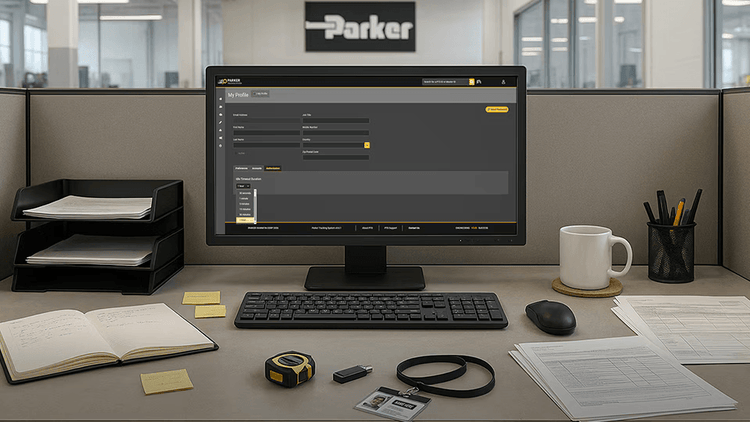
- New: User-level Idle Timeout (10 sec–60 min) for improved security
- Customer Part Numbers: Now available for all product types
- FastForm Upgrades: Saved print settings + flexible required fields
- Kits: Column preferences now persist per user
- Faster Workflows: Enter to search + auto-selected line items
- Reserved ID Imports: Generate downloadable error logs
- Manufacture & Commission: Dates can now match
THE SIMPLE ASSET MANAGEMENT TOOL
For years our customers asked for a fast, easy and exact way to track, manage and locate parts. So, the Parker Tracking System (PTS) was created more than 11 years ago.
Now we listen to our PTS users to continually add functionality and improve the user experience. With two platforms to manage assets, PTS Mobile App and PTS Web App, you are a click away from retrieving product information, scheduling a service event, and so much more.
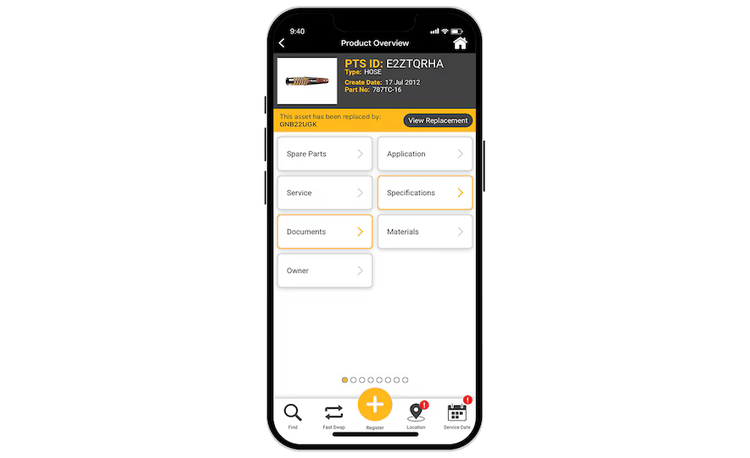
Product Details
Where do I find information for this part?
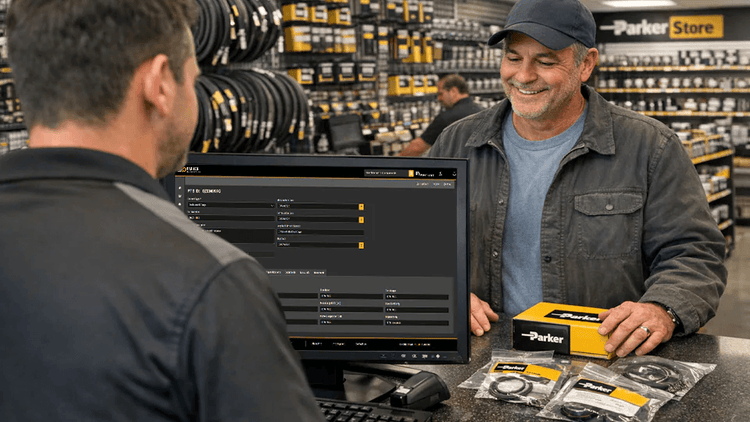
PTS takes the guesswork out of asset identification by including pictures, bill of material details, location information, specifications and other useful data associated with a unique asset.
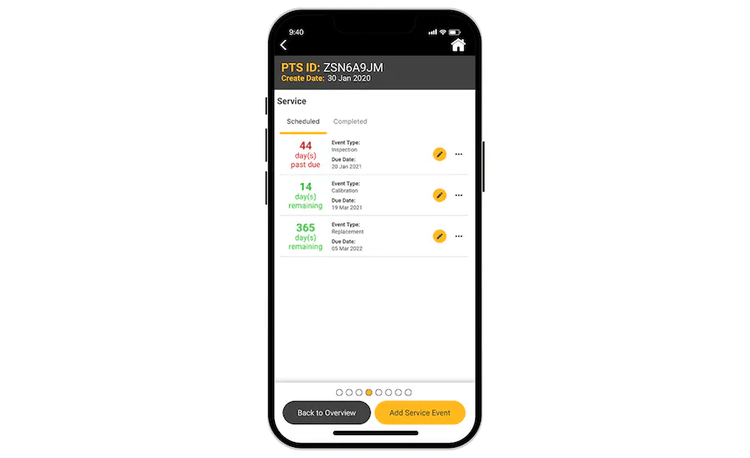
Service Events
Where do I find service history for this part?
PTS captures and stores a complete audit-quality history of all service and replacements. From the PTS Mobile app, select Service History for a quick look at all the past service events for a given asset.
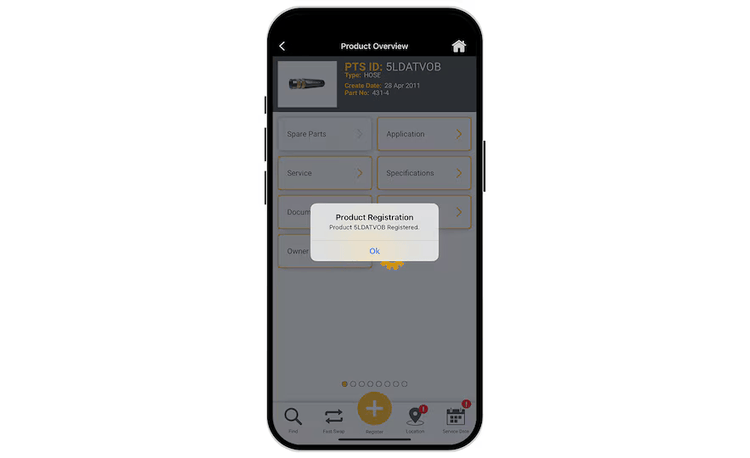
Product Registration
When did I purchase this part?
With PTS mobile product registration, users can quickly add critical assets to a registered products list by simply scanning the barcode. Never lose track of important information or dates again.
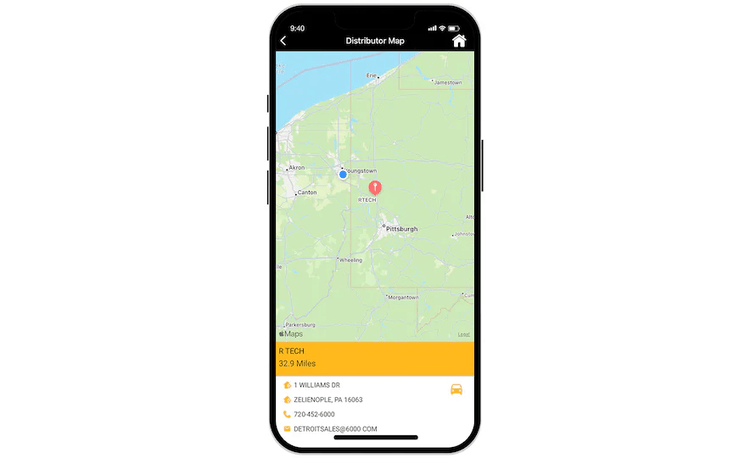
Find Distributor
Where can I purchase this part locally?
PTS includes a find feature that allows you to search Parker distributors globally for one nearest to you. Phone, address and map details are provided to quickly get you on your way.
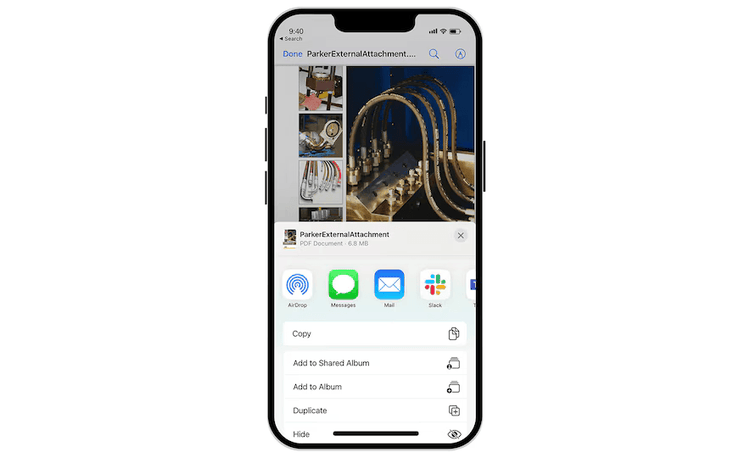
Digital Documents
Where can I find support docs for this product?
PTS provides access to attached documents, product guides, certificates, URL links and images for select products. View, print, save or email files to others from within the app.
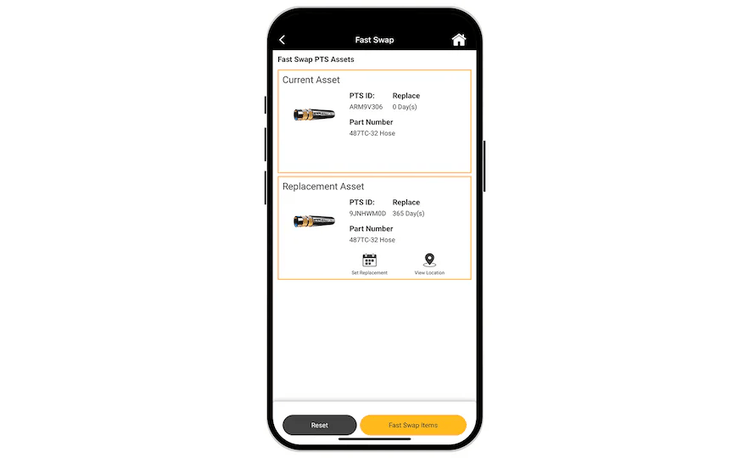
Fast Swap
Can I replace one asset for another?
Using the PTS Mobile Fast Swap feature, a few clicks will guide you through a simple product replacement. Great for documenting the replacement of an old or worn asset for a new one.
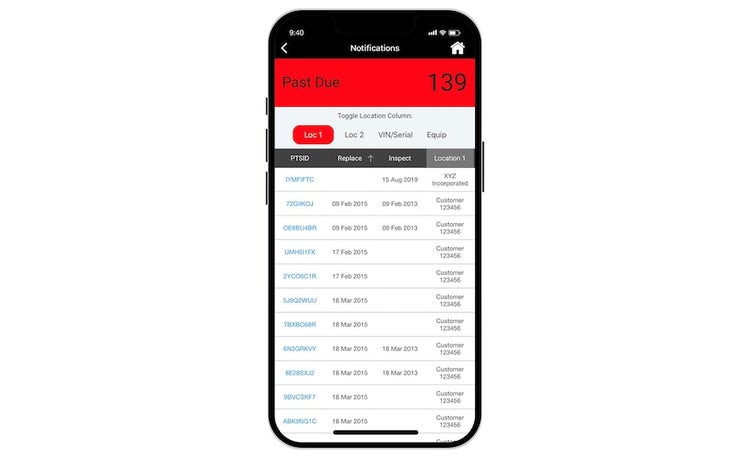
Notifications
When do I service an asset?
PTS provides both email and in-app notifications on scheduled, coming soon and past due service events. Quickly find assets based on pending status and view service history.
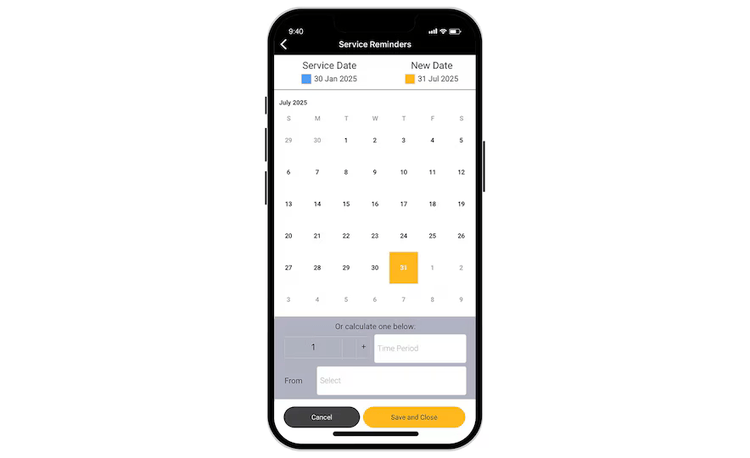
Schedule Replacement
How do I schedule an asset replacement?
Avoid missing critical maintenance intervals. With PTS, users can easily schedule service and replacement event reminders with the calendar selection tool.
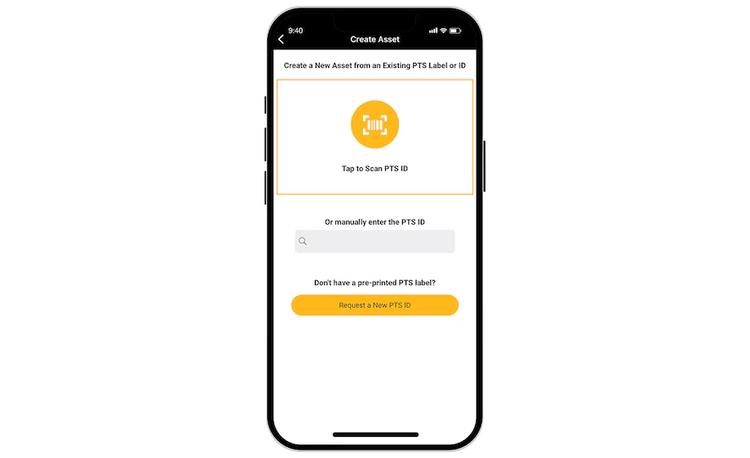
Create Asset
Can I create an asset with PTS Mobile?
PTS Mobile allows users to create serialized asset records on-the-go, with just a mobile device. The create capability works with previously printed labels or asset tags with an unused PTS ID. If no pre-printed tags are available, the app will create a new PTS ID for you which can be printed or marked onto the product later.
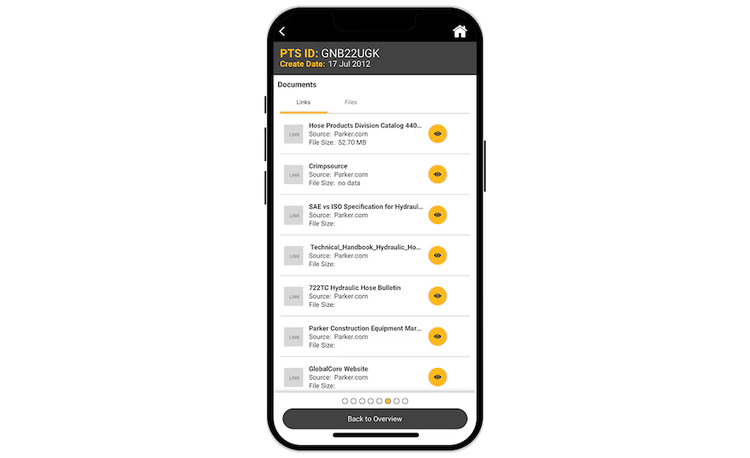
Support Files
Can I access support files on Parker.com?
PTS Mobile has a direct link with Parker.com to enhance access to product support files. In addition to asset-specific documents such as prints, test reports and material certifications, you can now link directly to thousands of other useful support documents. To explore all available support documents, simply select the “Documents” tab from any PTS asset.
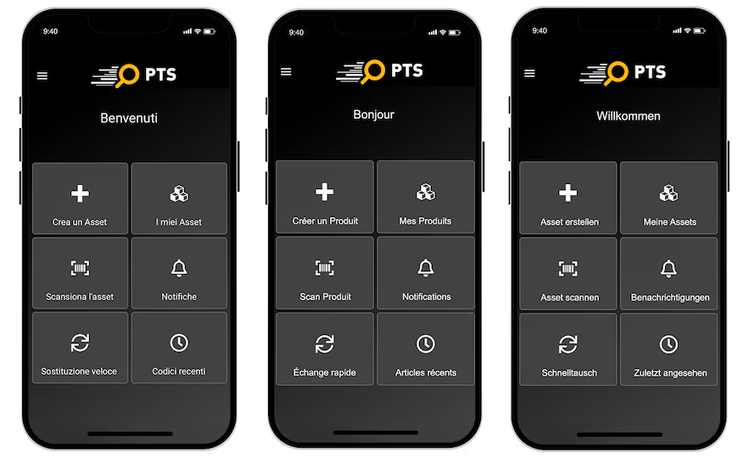
Languages
Can I access different languages?
We've recently added new languages on the Mobile App to include German, French and Italian. You can easily access these by selecting a supported language on your device and the PTS mobile app will convert automatically. More languages will be announced soon.
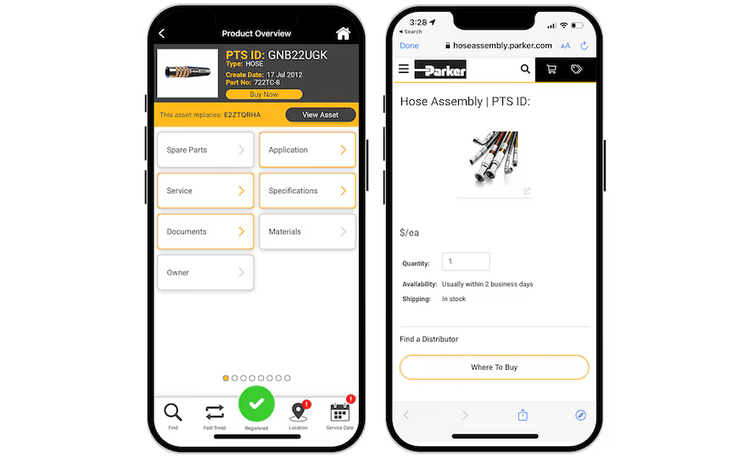
Buy Now
Can I buy parts through PTS?
Yes, the PTS Mobile App allows you to buy assets and have them delivered. If a product is available for purchase, the ‘Buy Now’ button will appear under the part number. Simply click ‘Buy Now’ and follow the pages entering quantity, shipping information, and payment method.








GET STARTED WITH PTS
PTS allows you to choose the account that’s right for you.
Need a complete enterprise solution with access to all services as a fully registered PTS user? Then fill out our brief account request form to get credentials that can be used for both PTS Web and Mobile.
Just looking to manage assets from on-the-go with PTS Mobile? Then download the app and create a guest user account to start seeing the benefits of PTS for yourself.

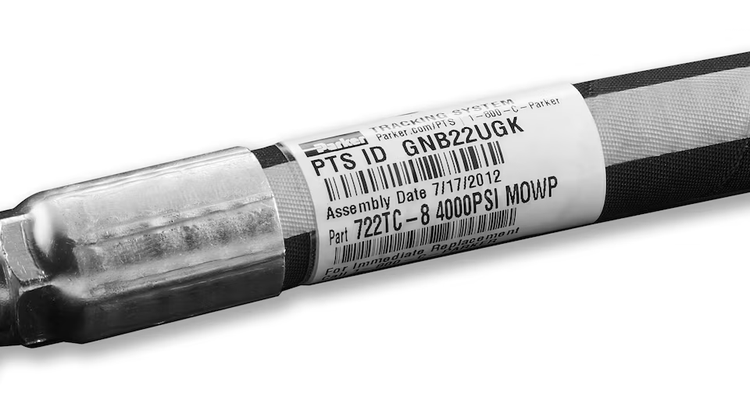
TAGGING PARTS WITH PTS
Before anyone used the term Digital Twin, PTS was creating clear and dynamic ID tags to provide a critical link to the digital record of parts where roduct-specific data is stored.
PTS employs proven hardware and media to deliver on-demand label printing and computer-aided scanning. We have selected some of the most trusted names in the industry to support our users world wide.
SUCCESS STORIES
PTS is supported in more than 77 countries and on more than 50 million assets worldwide. We’ve helped in many applications and tagged a variety of components. Read just some of our successes.







VIDEOS


Potato Processing Plant Success Story

Transporter of Natural Gas Success Story
RESOURCES
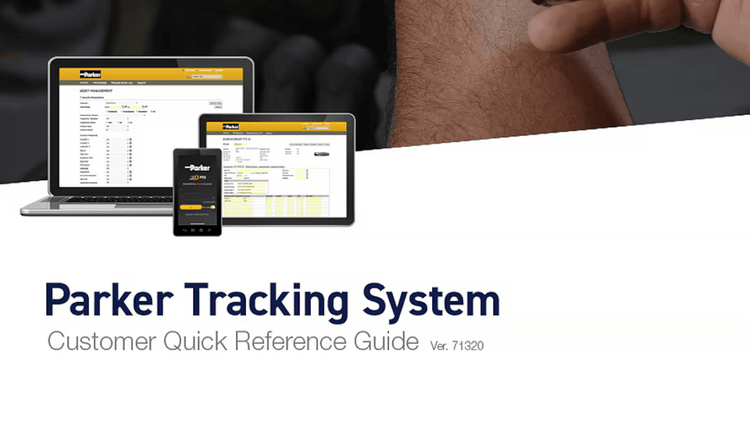
Want to know more? Review our Capabilities Brochure and Quick Reference Guide, download the Spectrum Printer software, and watch our video for a more detailed introduction to PTS.